Module 7: Free vs paid plans (ChatGPT and Gemini)
This module helps you decide whether to pay for a subscription. Most beginners should start free. Upgrade only when you know what you want and you are regularly hitting limits.
7.1 First: what does 'model' mean?
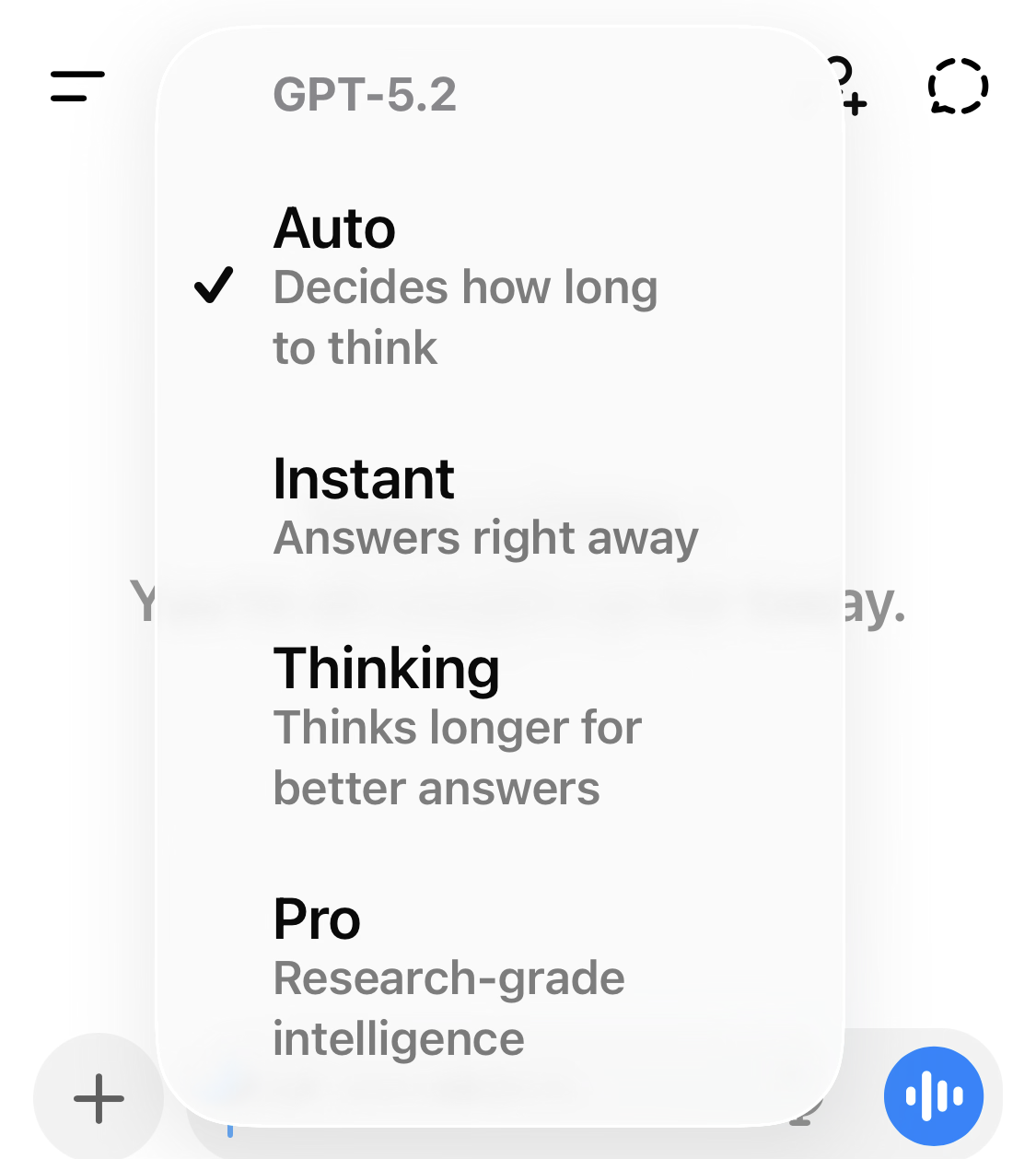
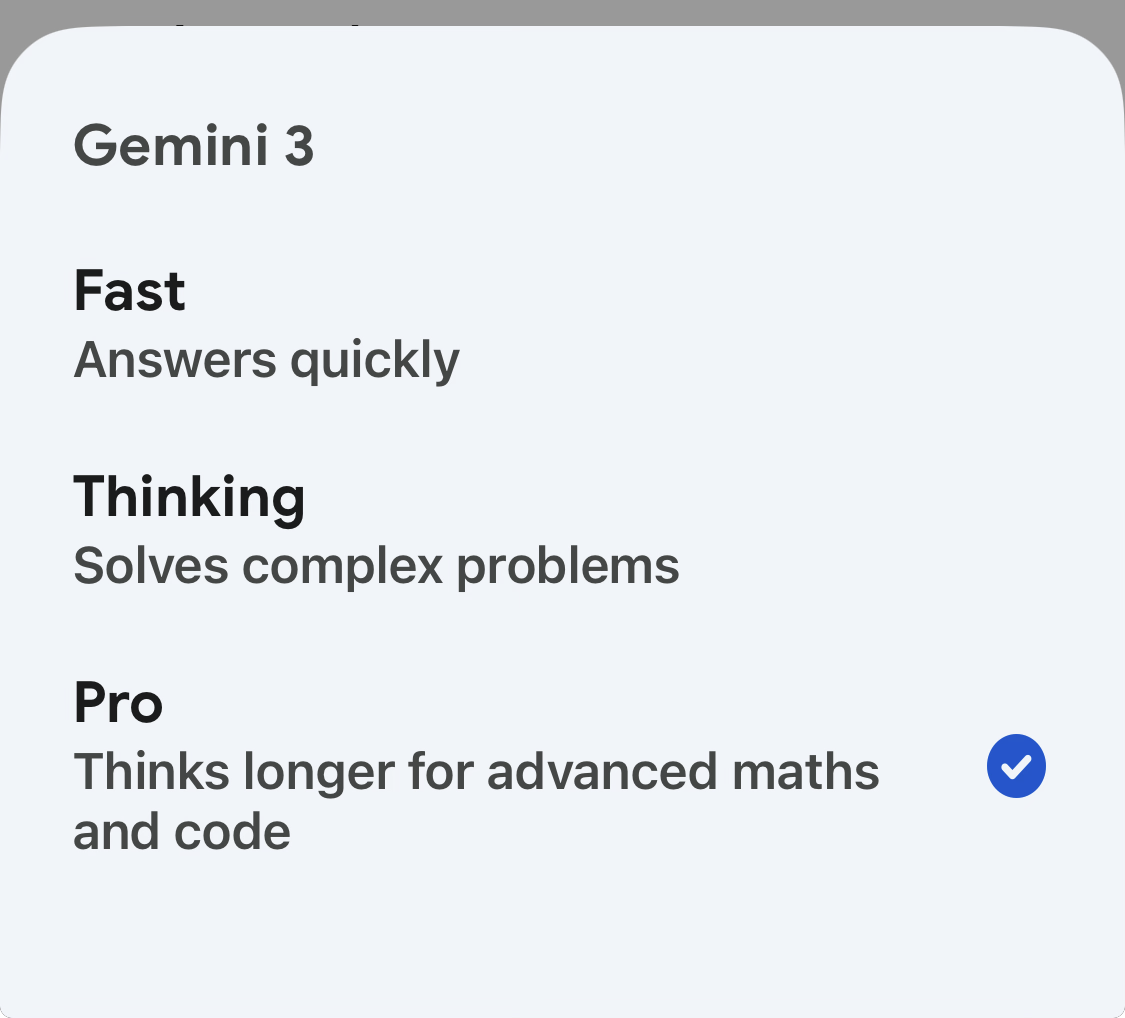
Both ChatGPT and Gemini run on AI models. A model is a particular version of the AI 'brain'. Different models can be faster, more careful, or better at certain tasks.
7.2 ChatGPT plans (plain English summary)
OpenAI offers several ChatGPT plans. The exact details can change, so treat this as a guide and check the official pricing page for the latest.
Free
- Good for: trying AI, light everyday use, drafting messages
- Limits: fewer messages/uploads; slower or more limited image features; limited research tools
- Best tip: use it to practise prompts and safe habits first
Go
- Good for: people who use it more often and want more breathing room
- Typically includes: more messages/uploads and longer memory than Free
- Note: OpenAI notes this plan may include ads
Plus
- Good for: frequent users who want more advanced features and higher limits
- Typically includes: stronger reasoning options, more generous messages/uploads, and extra productivity features
- Often the 'sweet spot' for regular personal use
Pro
- Good for: heavy personal use and the highest limits
- Typically includes: the highest individual plan access, more powerful reasoning options, and larger context
- OpenAI describes 'unlimited' usage as still subject to abuse guardrails
7.3 ChatGPT: context window (why it matters)
The context window is how much text the AI can keep in mind at once - your recent messages, its replies, and (sometimes) files you are working with.
A larger context window is helpful when you paste long documents or have long conversations without repeating yourself.
7.4 Gemini plans (plain English summary)
Google offers free Gemini use plus paid Google AI plans that increase limits and unlock extras like more cloud storage and more AI credits for video features.
Gemini Free
- Good for: trying Gemini, everyday questions, light use
- Includes: core chat experience and a range of features (availability can vary by region and device)
- Storage: standard Google account storage (15 GB shared across Gmail/Drive/Photos)
Google AI plans (Plus / Pro / Ultra)
- Good for: higher limits, more advanced capabilities, and bundled storage
- Higher tiers include more AI credits used for some video generation features (Flow/Whisk) and higher storage allowances
- Some features can be region-limited (for example, certain agent features may be US-only or English-only)
7.5 Gemini plan snapshot (Australia pricing example)
Google's subscriptions page lists plan prices and allowances. Prices and features can change, so check the official page for the latest.
| Plan | Typical price (AUD/month) | Storage included | AI credits (video features) | Good for |
|---|---|---|---|---|
| Gemini Free | $0 | 15 GB (shared across Gmail/Drive/Photos) | 50 daily credits (for Flow/Whisk video features) | Trying Gemini and everyday questions |
| Google AI Plus | $12.49 | 200 GB total storage | 200 monthly credits | More access + extra storage, light creators |
| Google AI Pro | $32.99 | 2 TB total storage | 1,000 monthly credits | Higher limits, power users, more features |
| Google AI Ultra | $409.99 | 30 TB total storage | 25,000 monthly credits | Highest limits + premium features (may be region-limited) |
7.6 When paying makes sense (simple scenarios)
Here are common reasons people upgrade. If none of these apply, stay free.
- You hit message limits often.
- You regularly upload files/photos and want fewer restrictions.
- You use long documents and want the AI to remember more context at once.
- You want premium features (like deeper research tools or higher-quality generation) that are not included on free tiers.
- You want bundled cloud storage (for Google AI plans).
7.7 When paying does not make sense (yet)
- You only use AI occasionally.
- You mostly ask short questions and draft short messages.
- You are still learning. (Free is perfect for practice.)
- You feel unsure about subscriptions. (Learn first, then decide.)
7.8 Tips to get more from the free tiers
- Use smaller prompts and smaller files.
- Ask for shorter answers and then expand only what you need.
- Start a new chat for a new topic to reduce confusion.
- If one tool hits a limit, try the other tool for a while.
- Save your best prompts in a notes app so you can reuse them.
7.9 How limits work (in human terms)
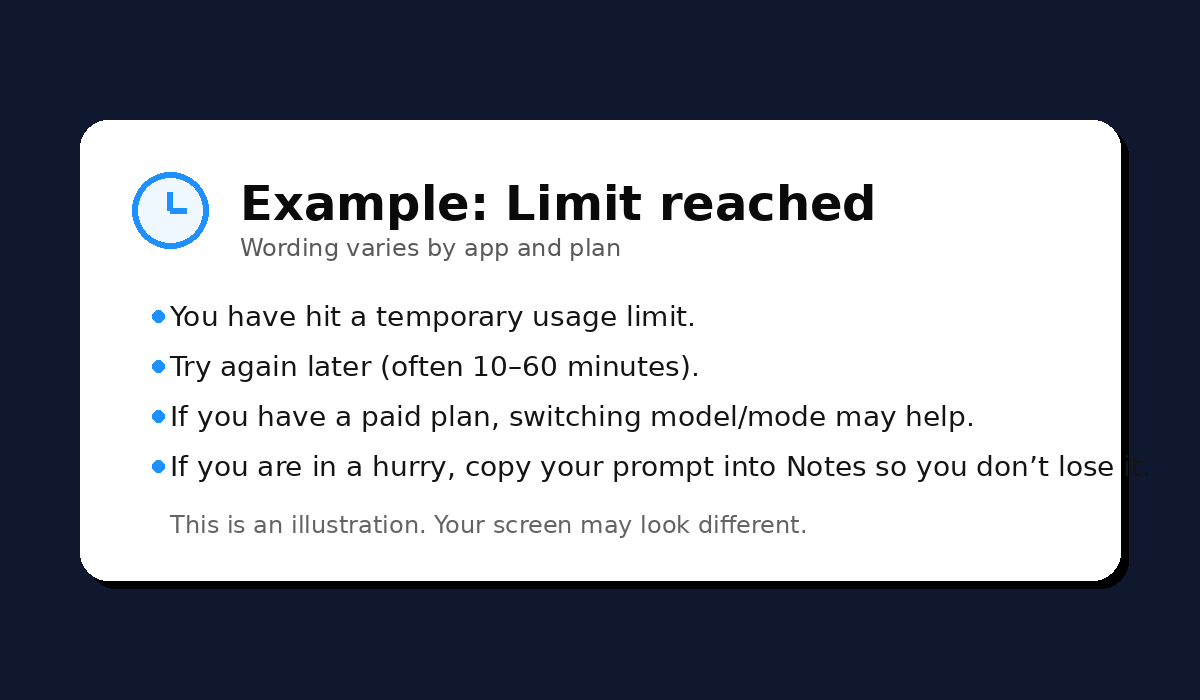
Both platforms use limits to keep services reliable. Limits can be based on messages, tool usage (like image generation), and file uploads.
Gemini's help pages explain that your capacity can replenish regularly, and you can keep going later or upgrade for more capacity.
7.10 Screenshotss for Module 7